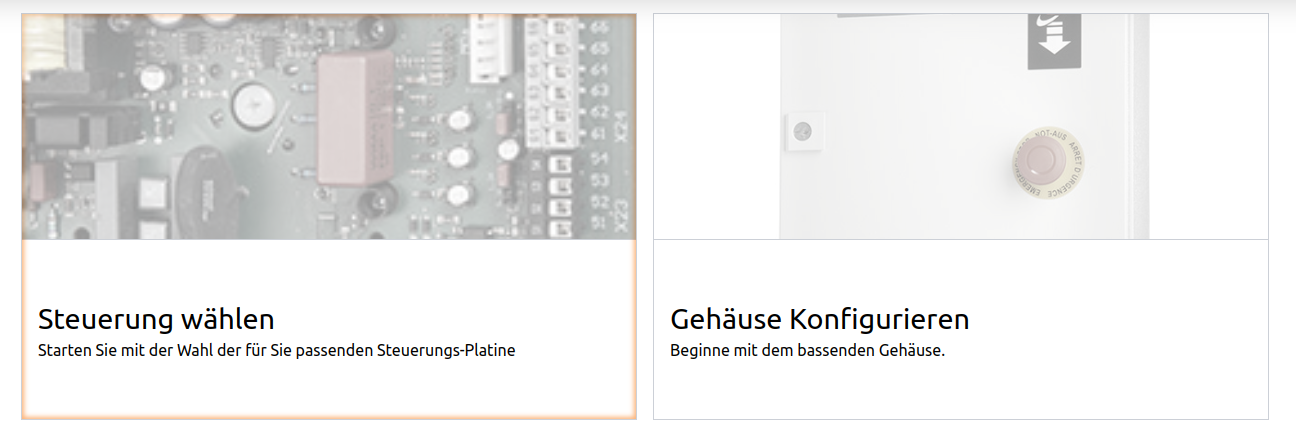
The div button :-)
The div button :-)
I know, never use divs as a button.
But:-) But sometimes you need a hole area as a clickable area.
The problem is, that we can`t use block elements like images insight a button element.
Only a click-event and another mouse cursor on hover is not enough.
For a screen reader is good to add a role attribute and with a tabindex attribute is the div box also focusable,
so you can also set a focus CSS style.
You have to ensure, that the click event is also fired when the element is on focus and the user presses the enter or whitespace key.
So I create I custom-element, the div-button, then automatically apply all these features.
class DivButton extends HTMLElement {
  connectedCallback() {
    this.setAttribute('role', 'button');
    this.setAttribute('tabindex', '0');

    this.addEventListener('keydown', (e) => {
      console.log(e.key);
      if (e.key === "Enter" || e.key === " ") {
        this.click()
      }
    })
  }
}

customElements.define('div-button', DivButton);
To use this, you have only to apply a click event.
You can apply this per attribute, per js API or you can also use the button in react, vue, ...
<div-button onClick="alert('click')">Click me</div-button>Here is an example of two clickable areas with images insight: